English practice
your class wants to do.

Assign words, run live lessons and see every answer. Made for English classes, with Hebrew meanings.

Why it works in class.

Real practice first. The games keep them coming back.

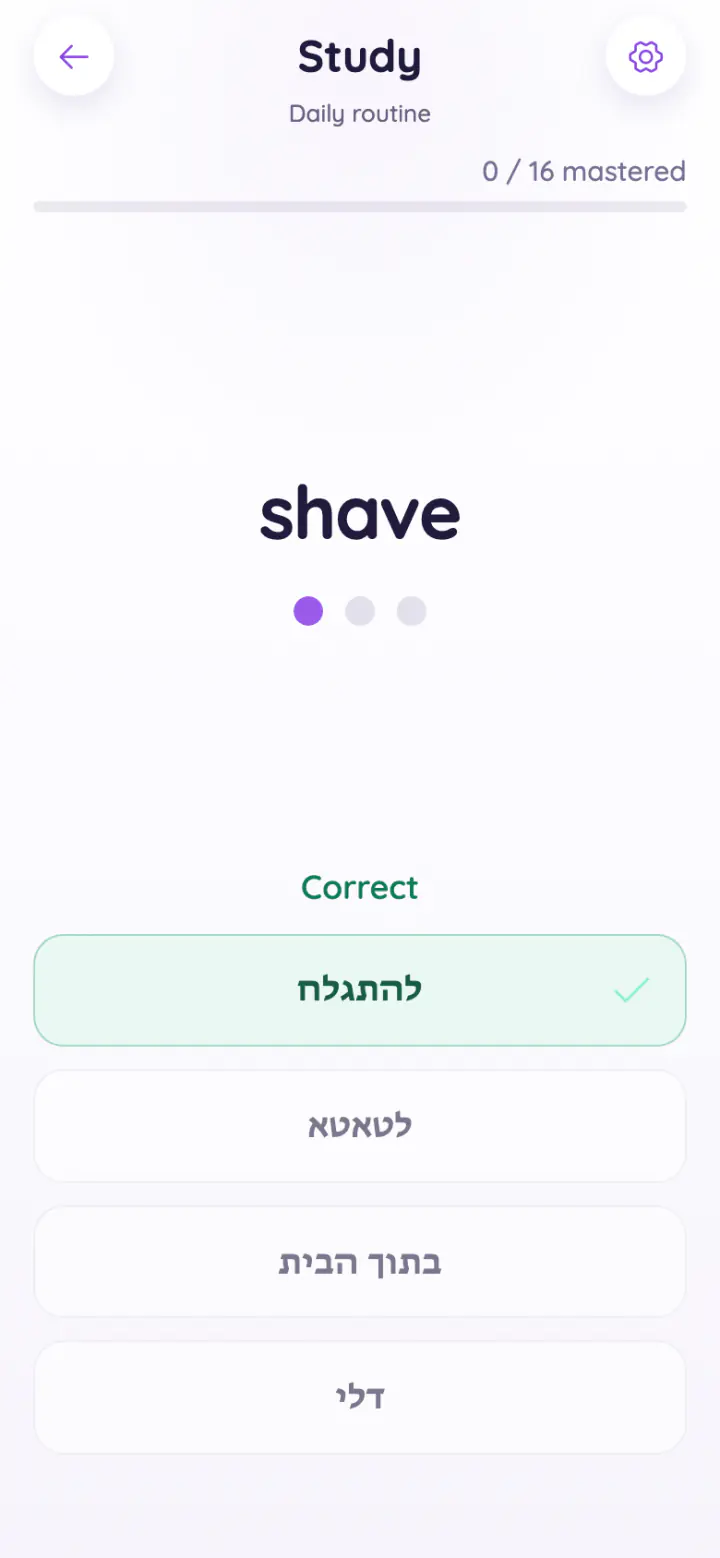
  • Recall, not rereading

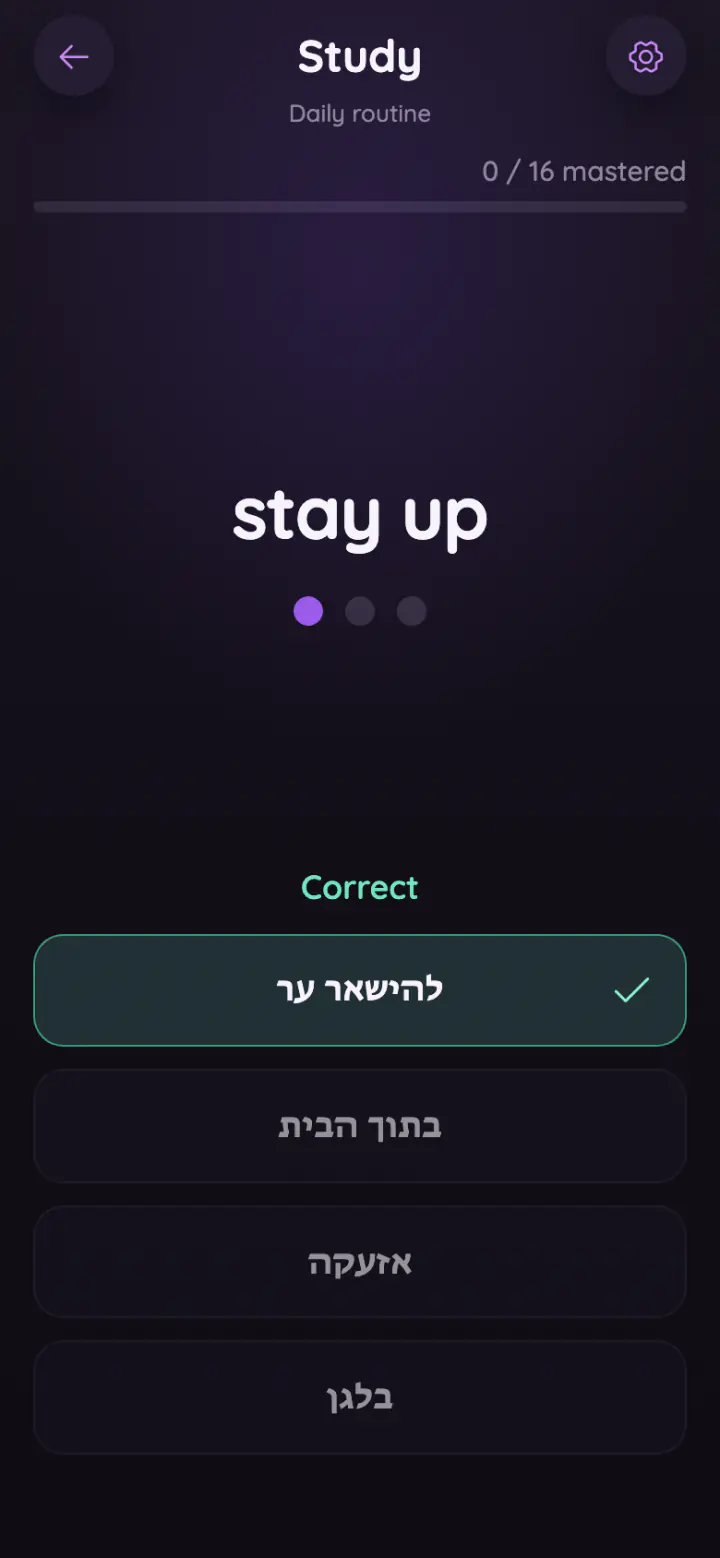
    Study and Quiz ask for the meaning before they show it.

  • Mastery, word by word

    A word is mastered after three right answers in a row.

  • Ready-made sets

    By level, goal and topic, with units for every grade from 3 to 12.

  • Practice that feels like play

    Five games use the same words your class is learning.

  • Hebrew meanings

    Every word comes with its meaning in Hebrew.

  • On any device

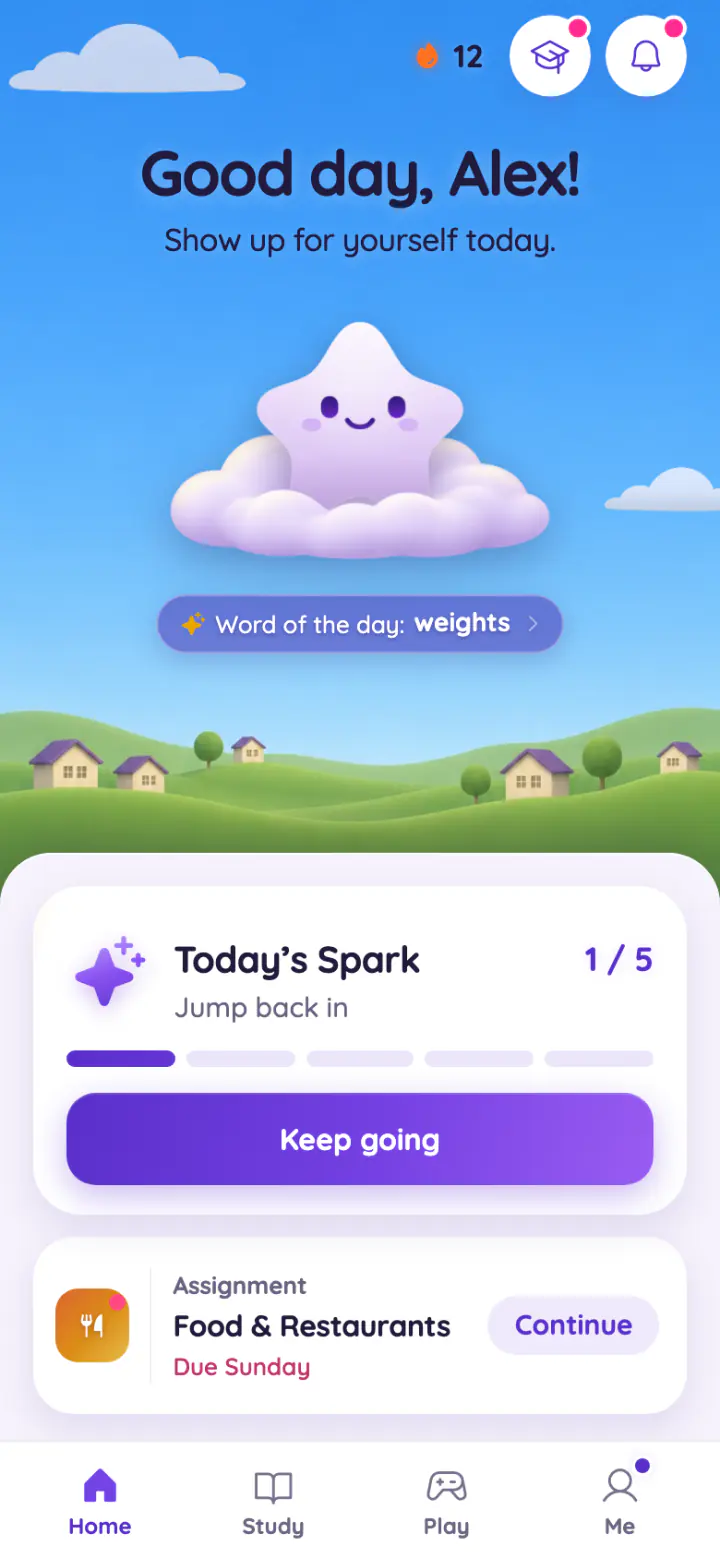
    Phones, tablets and computers, in the browser. Nothing to install.

You're in control.

You choose the words, the tasks and the rules.

Assignments in minutes

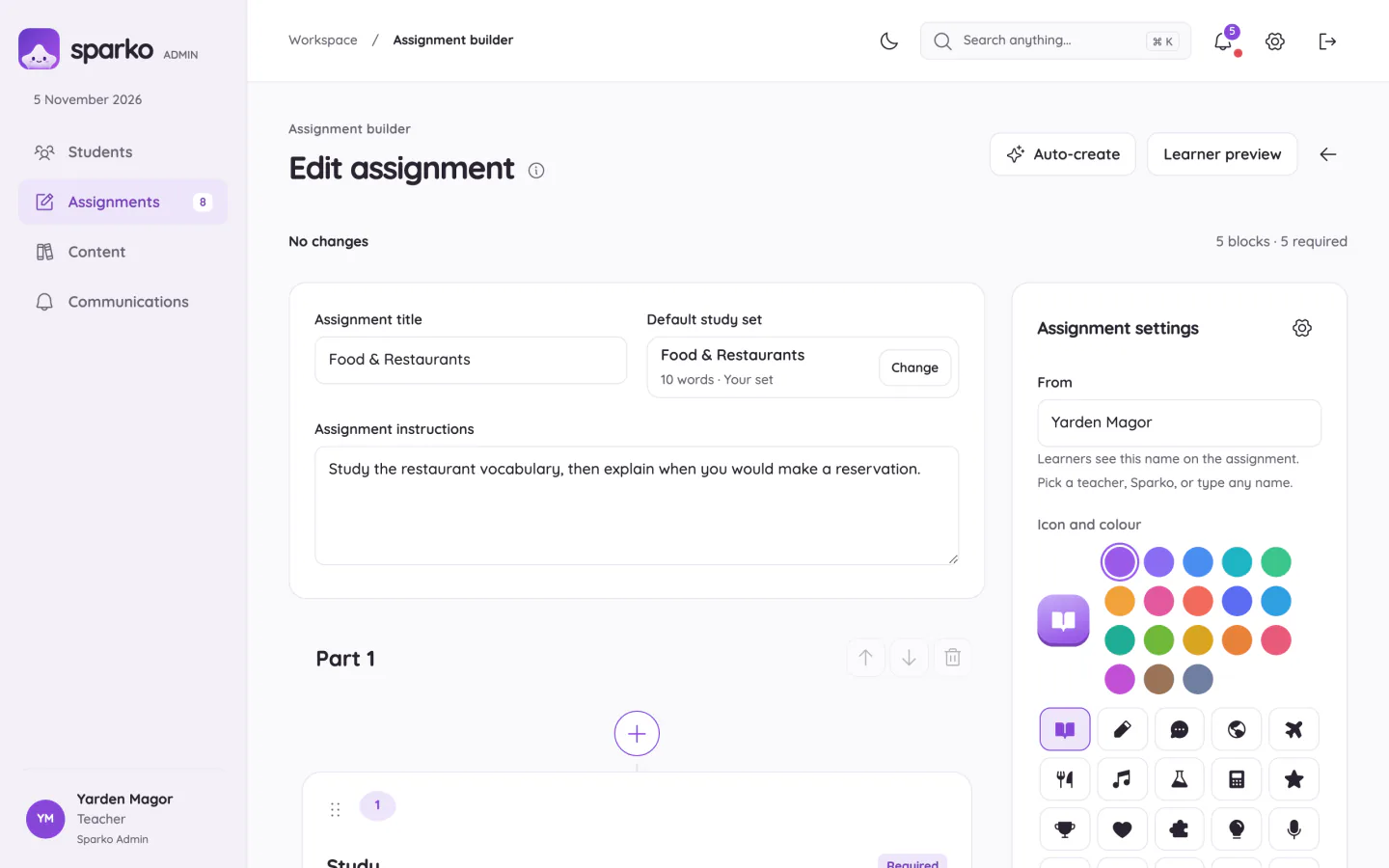
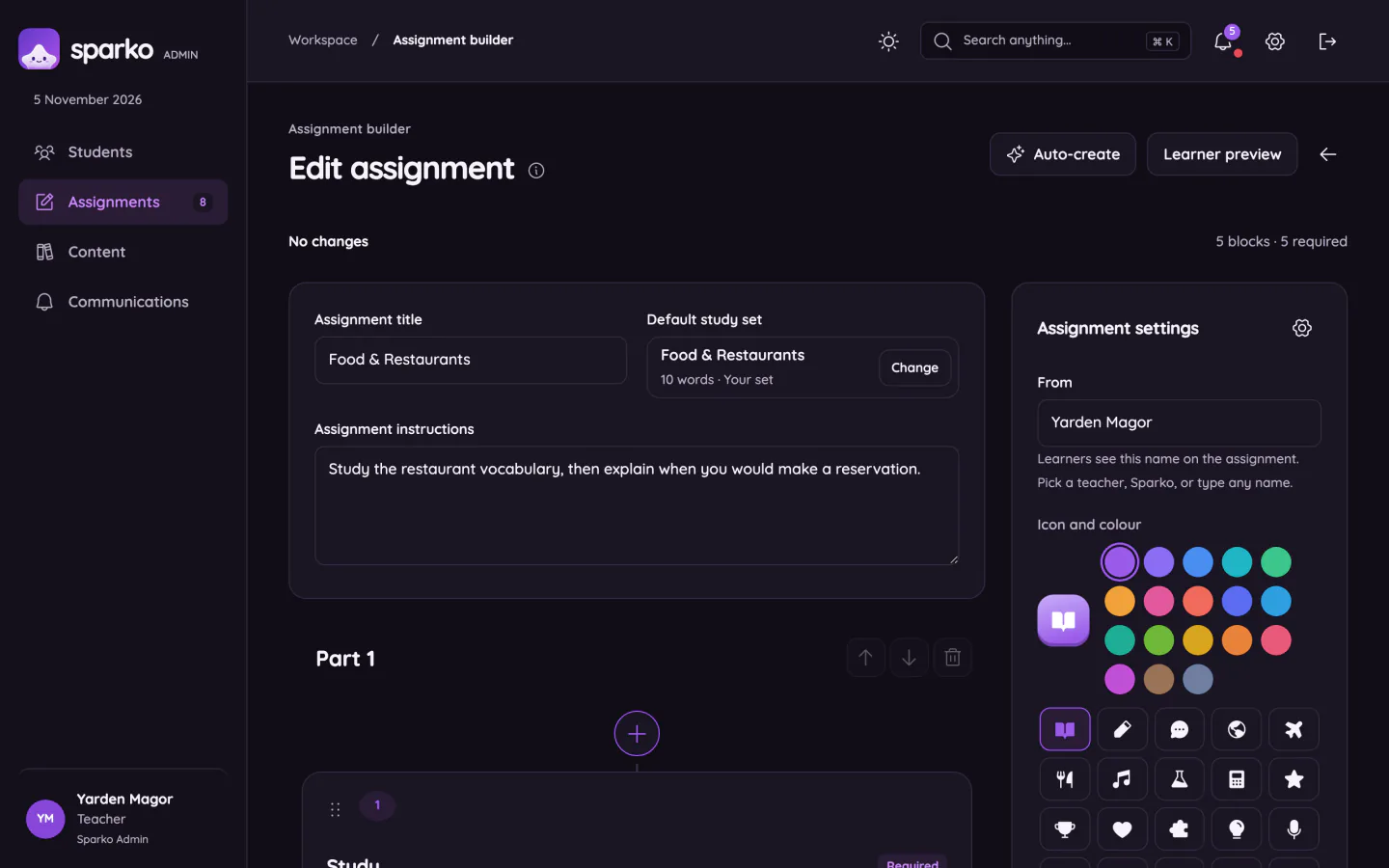
Mix more than 20 kinds of tasks, or let Sparko build the questions from a word set.

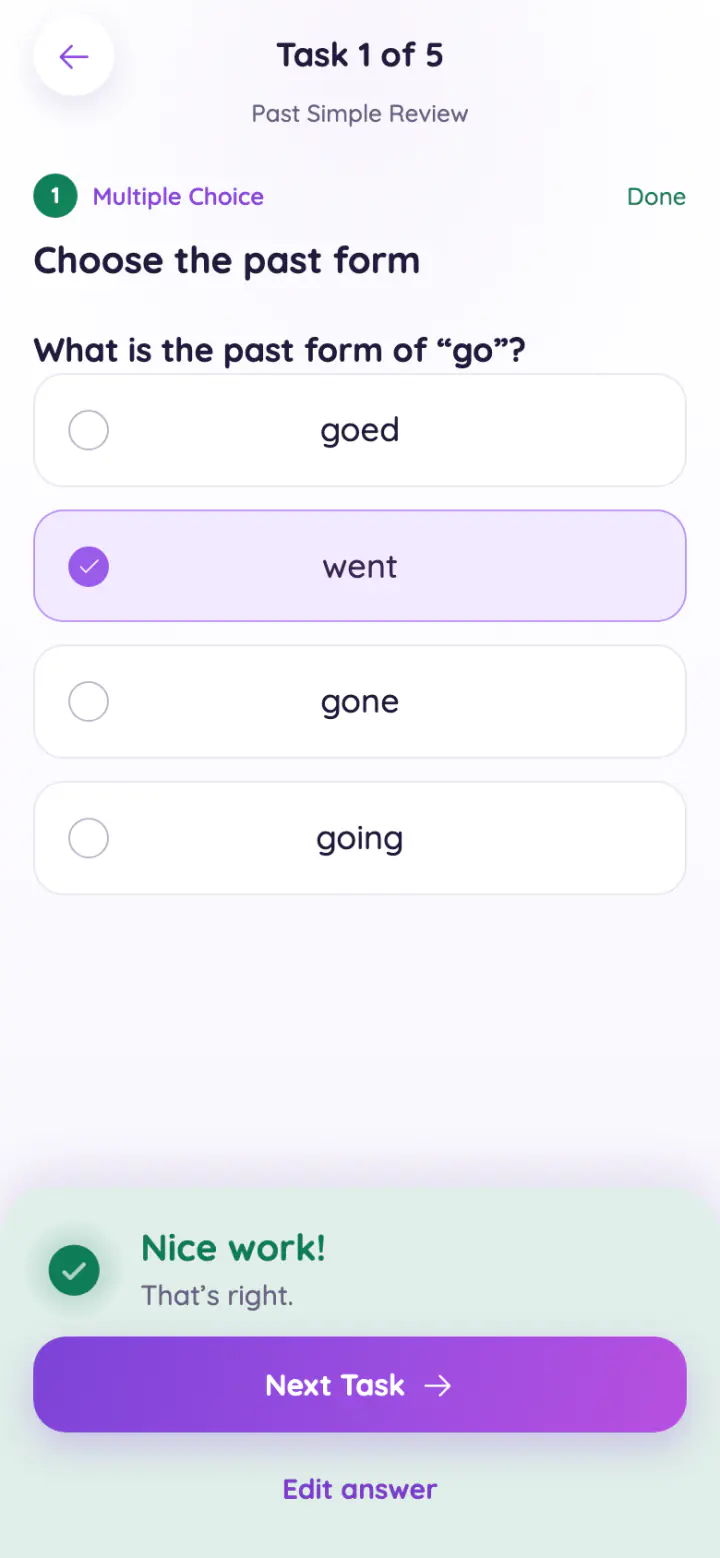
  • Multiple choice, matching, sentence order, fill in the blank and more
  • Writing, tracing letters and drawing
  • Study, Review, Quiz or a game as a task
  • Schedule it and set a due date

See every answer

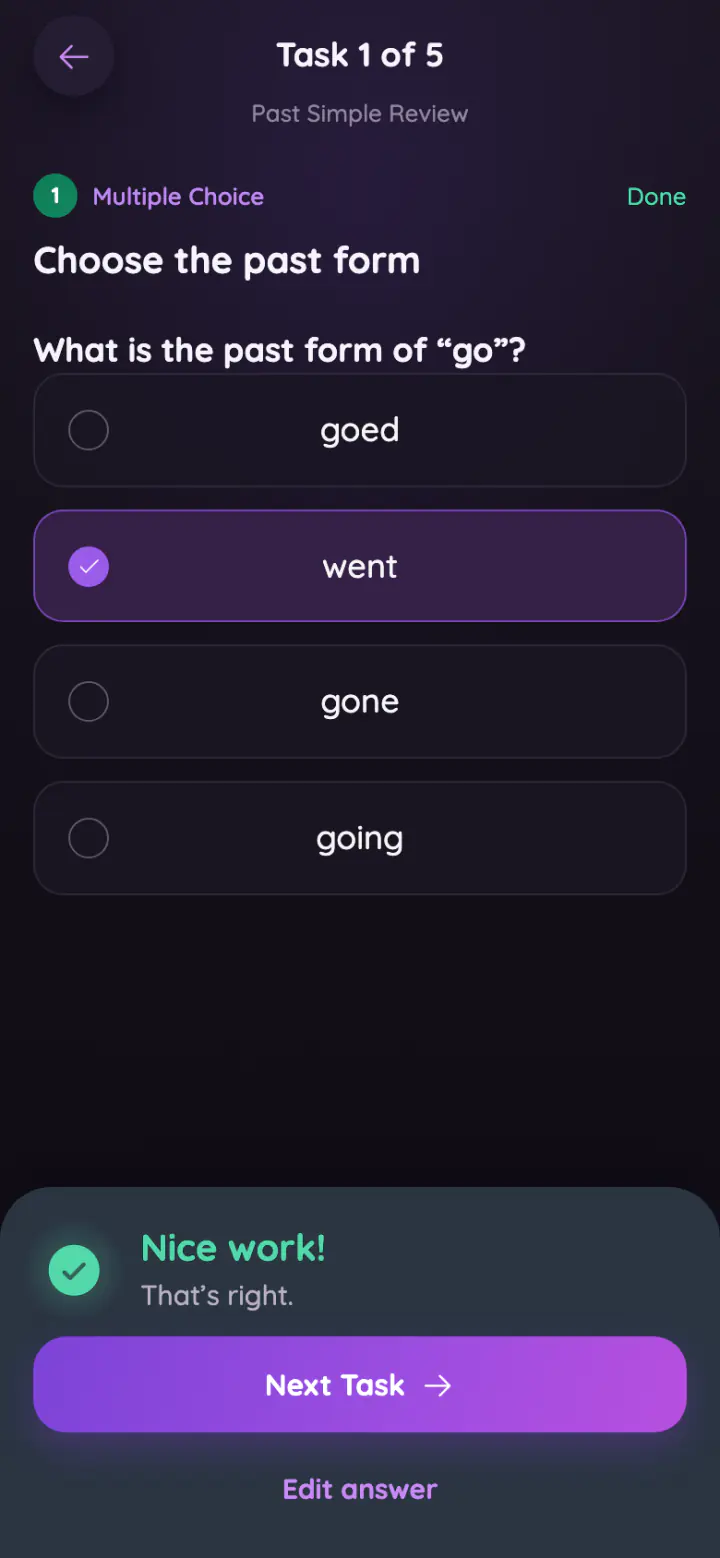
Every answer comes back to you, marked right or wrong.

  • Right first time, and how many tries it took
  • Their writing, traced letters and drawings
  • A note on any task, or the whole assignment
  • Ask for one task again, not the whole thing

Live lessons in your class's own space

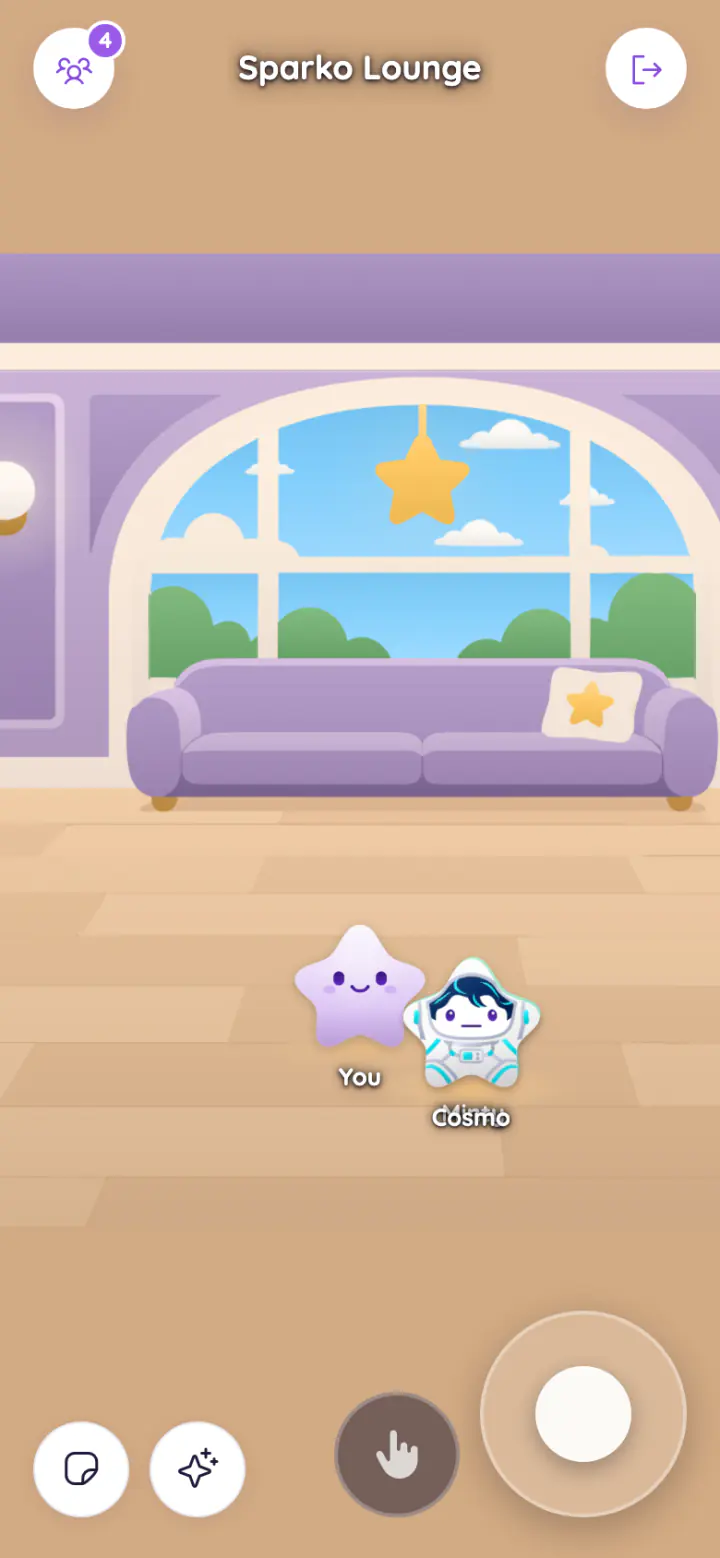
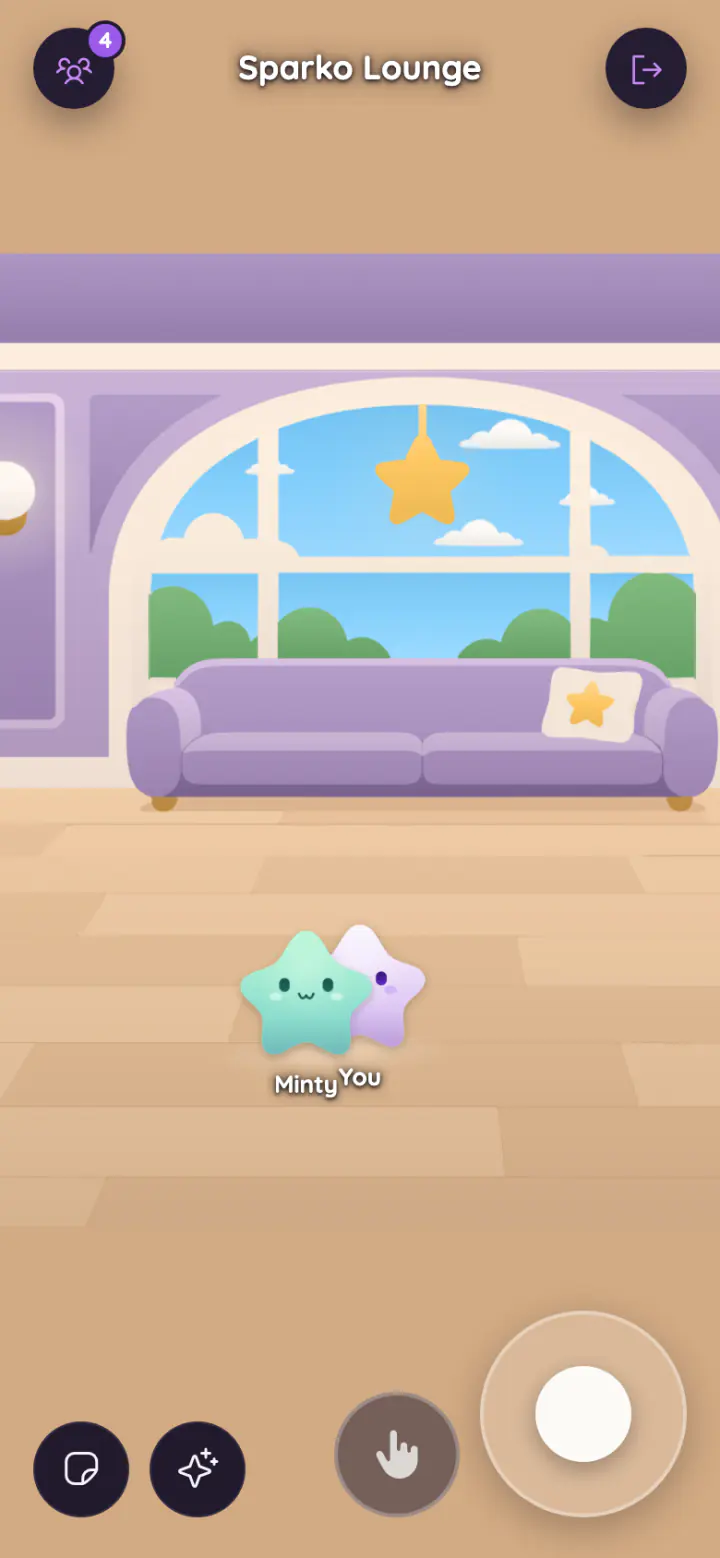
Your class meets in its own room. You run the lesson from one screen.

  • Students join with a short code or a QR
  • Up to three activities in a row, games included
  • Fair groups for games, and a lesson leaderboard
  • See who is on which activity, on your screen or a projector

And everything else you can set

  • Which words

    All of a set, a few, or the ones you pick.

  • When it counts

    A score to reach, or a number of words to master.

  • Time and tries

    A time limit and a number of tries for any task.

  • Order

    Shuffle the answers, or open tasks one after another.

  • Auto-create

    Questions built from any word set, ready to edit.

  • Your own sets

    Make your own word lists, or use Sparko's.

  • Messages

    Send your class a message, or a set to every Library.

  • A page for each class

    Your message, what's coming up and the class's sets.

Safe for schools.

Private by design, from the first account.

  • Accounts set up for you

    Only accounts Sparko sets up can sign in.

  • Your school only

    Teachers see only their own school's learners.

  • First name only

    No photos or contact details on show.

  • No open chat

    Stickers and ready-made lines only.

  • Their data, their choice

    Learners can download or delete their data.

  • No pay, no pressure

    Nothing to buy. No endless loops.

Get a quote for your school.

The price depends on how many learners you have. Tell us a little and we'll reply with a quote.

Every quote includes

  • Accounts for your teachers and learners
  • Everything on this page
  • Answers from the Sparko team

Or write to us at support@sparkoedu.com

Grades, classes, when you'd like to start.

This opens your email app with your request ready. Nothing is sent from this page.

Teachers ask.

How much does Sparko cost for a school?

It depends on how many learners you have. Ask us for a quote.

Do learners need to install anything?

No. Sparko runs in the browser on phones, tablets and computers, and can be added to the Home Screen.

Can I use my own word lists?

Yes. Make your own sets, or pick any of Sparko's ready-made ones.

How do students join a live lesson?

With the short code or the QR on your screen.

Do you give grades?

No. You see every answer, right first time or not, and give feedback with notes.